Uspoříte peníze za energie

Bydlíte lépe a kvalitněji

Šetříte životní prostředí


182 tisíc Kč
průměrná dotace
215 tisíc
podpořených projektů
39 miliard Kč
vyplaceno žadatelům
Novinky a akce
Aktualita
Dubnová Priorita je o zelené modernizaci a úspěšných projektech
8. 4. 2024
Zelená modernizace je a bude tématem naší společnosti. V Prioritě si můžete přehledně přečíst, jak se bude financovat a co nás čeká.
Zveme vás na výstavu Dům a zahrada v Lounech
Více než 180 vystavovatelů nabídne svůj sortiment pro stavbu a vybavení domu a zahrady na jarní výstavě Dům a zahrada…
18. 4. 2024
Vše o programu Nová zelená úsporám na Stavebním veletrhu Brno
Tradičním účastníkem Stavebního veletrhu Brno je Státní fond životního prostředí ČR. Ani letos nebude chybět.
24. 4. 2024
Poloviční úrok a nízké splátky: výhodný úvěr k programu Oprav dům po babičce je na dosah
Lidem, kteří nemají naspořeno na renovace bydlení, se otevírá unikátní možnost zvýhodněného úvěru k investičnímu…
29. 2. 2024
Konference Zkrotíme energie: Jak na energetickou nezávislost obcí a měst v Jablonci nad Nisou
Další konference z cyklu Jak na nezávislost měst a obcí, zaměřená na možnosti posílení energetické nezávislosti měst,…
13. 3. 2024
Semináře a přednášky k programu Nová zelená úsporám
Přijedeme vám představit novinky v oblasti dotací na úsporné a ekologické bydlení. Poradíme vám, jaká opatření jsou pro…
22. 9. 2023
Startuje již šestý ročník soutěže Adapterra Awards. Představí novou kategorii – průmysl
Odstartoval šestý ročník soutěže Adapterra Awards, která oceňuje adaptační opatření na klimatickou změnu. Stejně jako…
20. 2. 2024
Vše o úsporném vytápění, chlazení i obnovitelných zdrojích energie se dozvíte na veletrhu Aquatherm.
25. ročník Mezinárodního veletrhu technických zařízení budov Aquatherm Praha 2024 se koná pod záštitou Ministerstva…
5. 3. 2024
Dalších 10 miliard přiteče do Nové zelené úsporám z Modernizačního fondu
Program Nová zelená úsporám provází od jeho spuštění enormní zájem ze strany zájemců o dílčí renovace rodinných domů.…
31. 1. 2024
Stavební spořitelny spustily dotační poradenství
Stavební spořitelny začaly s podporou energetické transformace domácností v Česku. Od ledna tak své služby rozšířily o…
24. 1. 2024
Průmysl, města i státní správa podporují zrychlení renovací budov v ČR
Závěrečný osmý kulatý stůl evropské iniciativy „Smart Finance for Smart Buildings“ nedávno přivedl dohromady více než…
18. 1. 2024
Na veletrhu FOR PASIV představíme novinky v dotacích na úsporné bydlení
Veletrh FOR PASIV konaný pod odbornou záštitou Státního fondu životního prostředí ČR a Ministerstva životního prostředí…
15. 2. 2024
Příjem žádostí o dotace pro domácnosti s nižšími příjmy je opět otevřen
Od 17. ledna 2024 od 10 hodin mohou o zálohovou dotaci ve výši až 240 tisíc korun z programu Nová zelená úsporám Light…
17. 1. 2024
50 opatření, jak zrychlit tempo renovace budov pro dosažení cílů energetické účinnosti a dekarbonizace
Česká republika stojí před výzvou zrychlení renovací budov, aby dosáhla ambiciózních cílů energetické účinnosti a…
11. 1. 2024
Česko na vlně solární renesance: rozumná podpora obnovitelných zdrojů umožní přístup k levné a bezemisní energii
Komentář ministra životního prostředí Petra Hladíka k rozvoji fotovoltaických elektráren v ČR díky investicím z…
8. 1. 2024
Novoroční Priorita je o Modernizačním fondu i výhodných úvěrech pro domácnosti
Modernizační fond je zdrojem peněz pro přechod naší energetiky k ekologičtější formě. Díky němu například teplárny…
8. 1. 2024
Jak na dotaci
úspěšné projekty
Solární panely na rodinném domě ušetří tisíce
Na pražském rodinném domě vyrábějí elektřinu panely. Náklady na elektřinu tak v domě klesly na polovinu.

Dotace 105 000 Kč
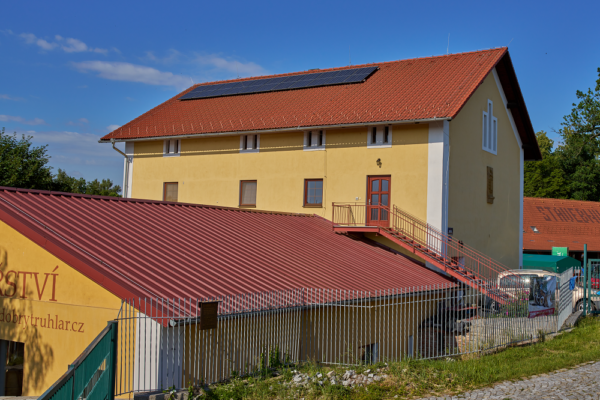
Fotovoltaické panely na soukromé nemovitosti
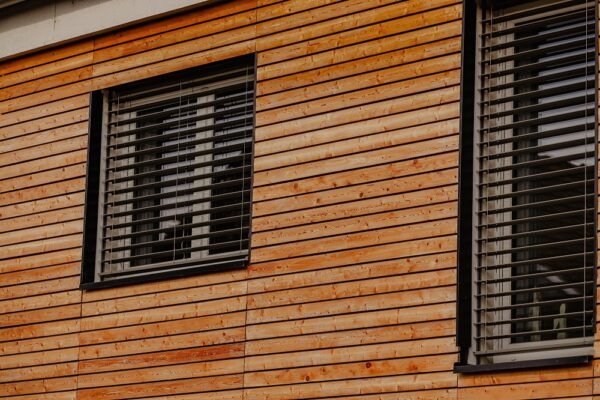
Opravený rodinný dům se rozšířil bez zvýšení…
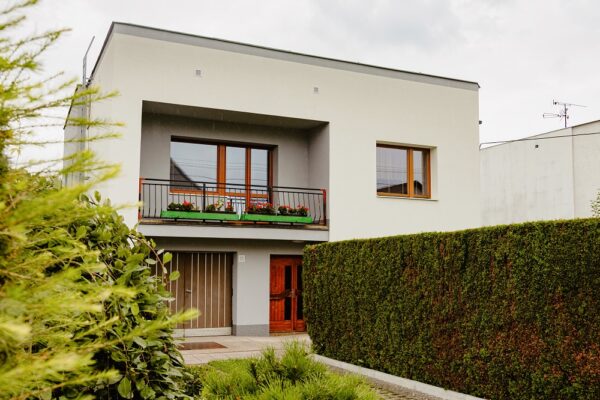
Samostatně stojící dům je po rekonstrukci…
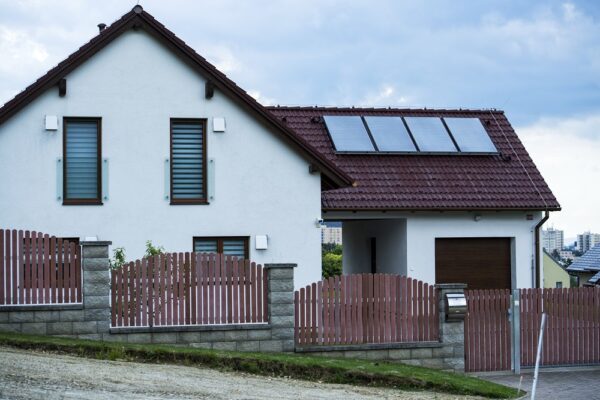
Tepelné čerpadlo a fotovoltaika šetří peníze
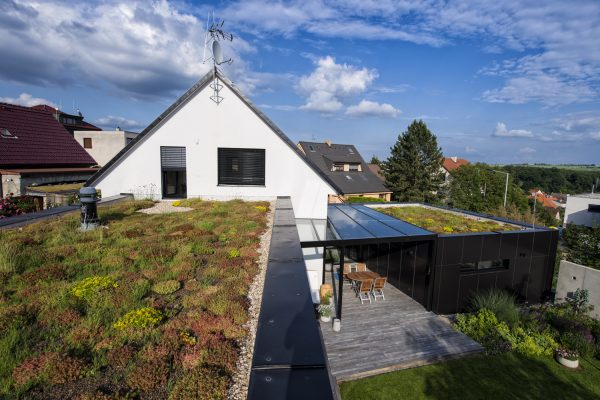
Zelená střecha snížila vnitřní teplotu domu
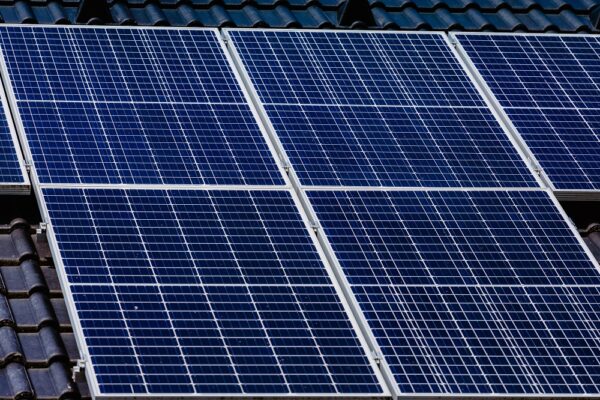
Fotovoltaický systém s využíváním přebytků…
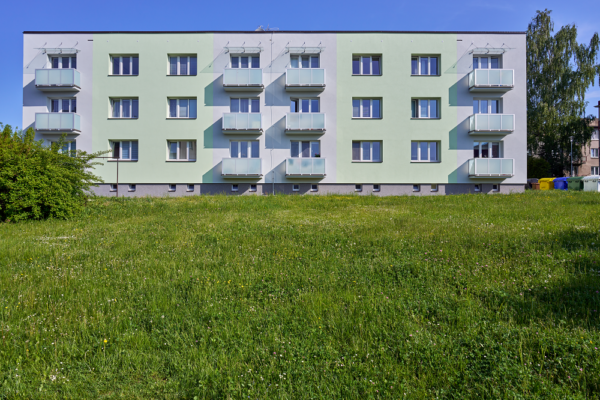
Bytový dům získal zateplení a nová okna
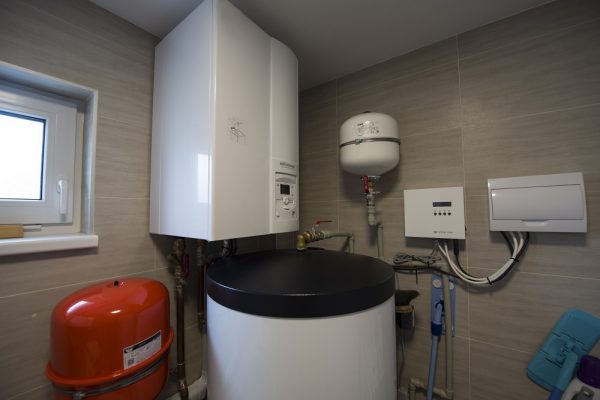
Pasivní novostavba má nízké náklady na topení
Nový dům je nízkoenergetický a využívá soláry
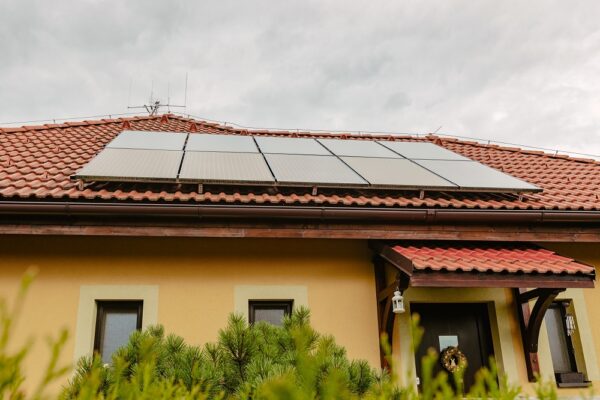
Fotovoltaický systém s akumulací
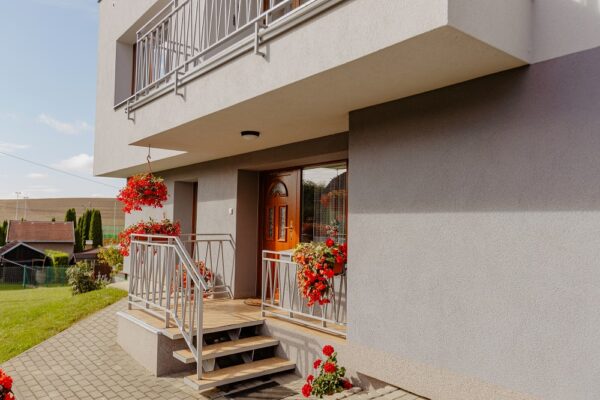
Rekonstrukce staršího domu výrazně pomohla…
Obyvatelé zatepleného bytového domu výrazně…
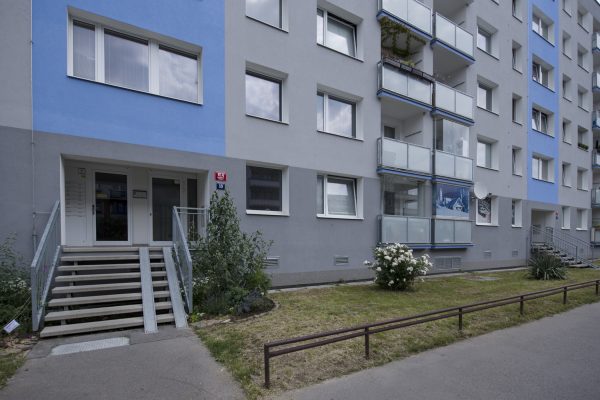
Dotace snížila náklady na zateplení paneláku
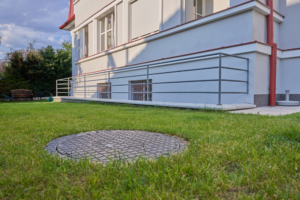
Bytový dům využívá dešťovou vodu na zalévání…
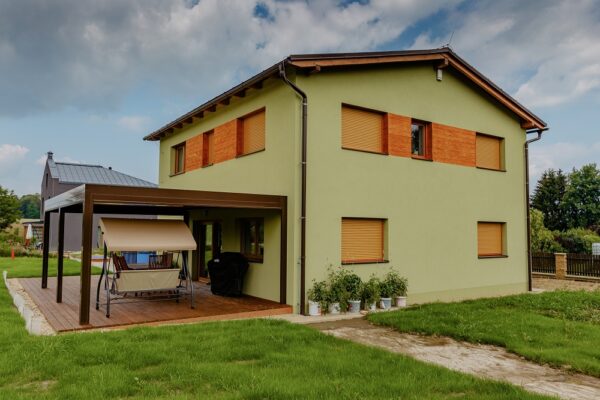
Novostavba rodinného domu v pasivním…
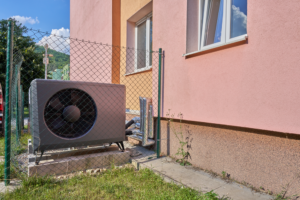
Bytový dům přešel z olejových kotlů na…
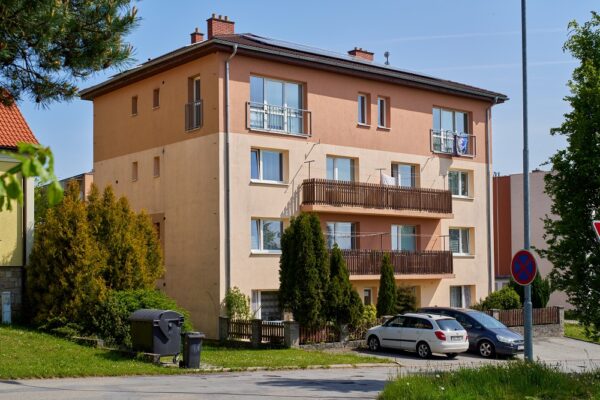
Fotovoltaika ohřívá vodu v bytech
Rodinný dům využívá dešťovku i teplo z…
Dvoupodlažní dům zdobí zelená střecha
Bytové domy jsou po opatřeních ekologičtější
Zateplení snížilo spotřebu energií o dvě…
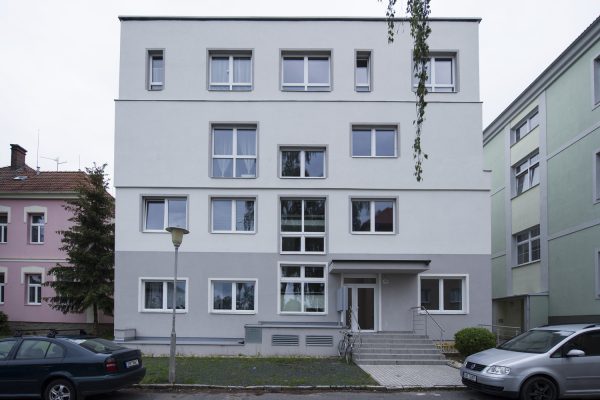
Nový bytový dům má menší spotřebu než domek
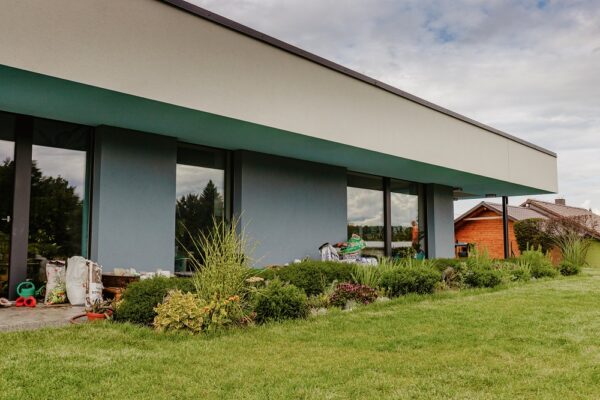
Nový rodinný dům v pasivním standardu
Moje dotace
Podejte nebo spravujte svoji žádost jednoduše přes web.
Dokumenty
Stáhněte si dokumenty, které budete potřebovat pro vyřízení dotace.
Seznam specialistů
Najděte si dodavatele, zpracovatele odborného posudku či jiného zkušeného odborníka ve svém okolí a získejte peníze na svůj projekt.
Seznam výrobků
Tipy na prověřené výrobky naleznete v naší databázi. Při doložení projektu již nemusíte dokládat potvrzení o jejich kvalitě.
Časté dotazy
Nevíte si rady, ptáte se, jak postupovat? Přečtěte si rady žadatelům před vámi.
Jste odborník?
Jste projektant, energetický specialista, provádíte stavební práce, montáže a instalace nebo technický dozor? Nabízíte výrobky vhodné pro program Nová zelená úsporám? Pomozte žadatelům získat dotaci.